Introducing Video Generations
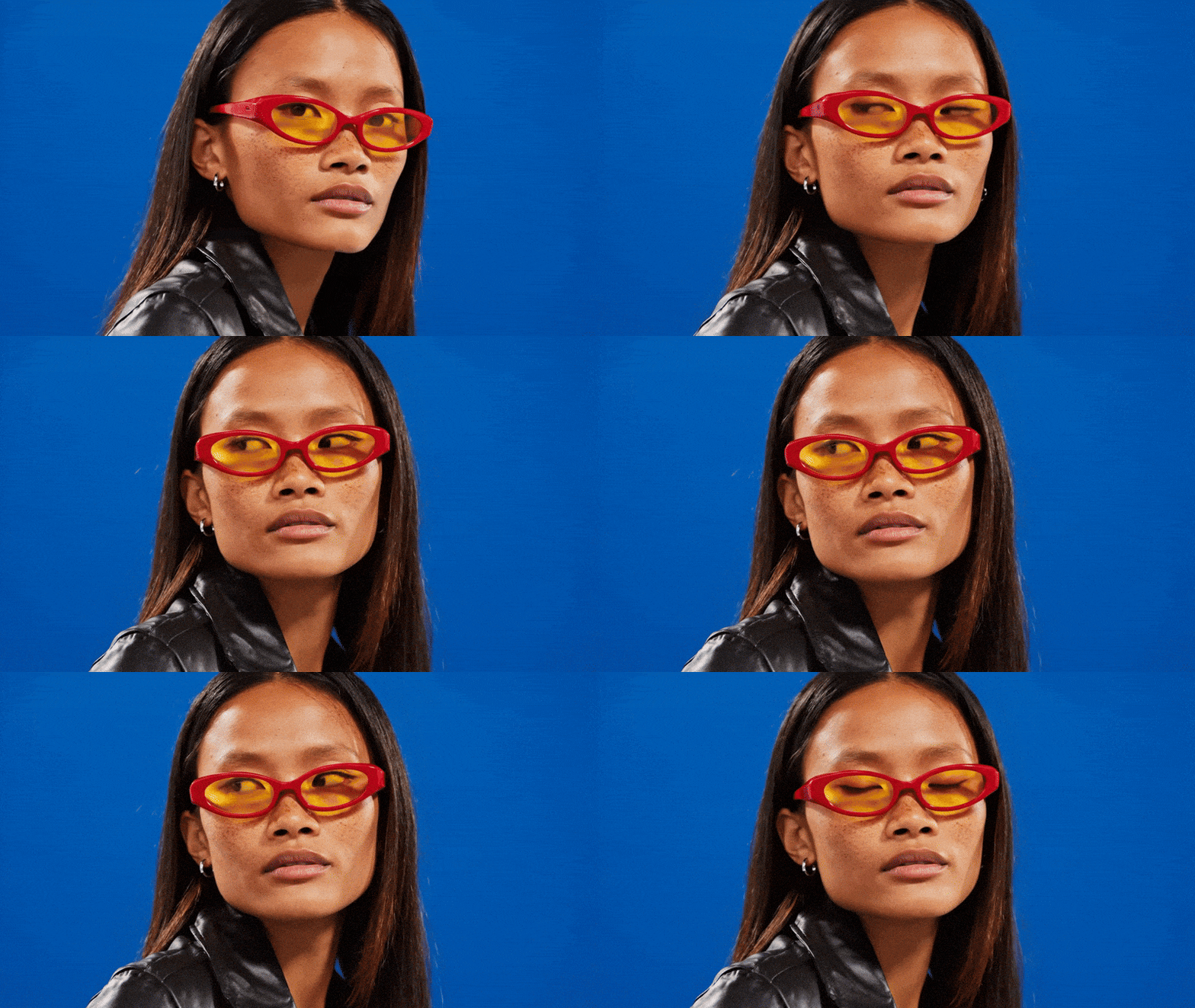
Generate videos up to 8 seconds long with a prompt or animate an image in seconds. Now with audio too, giving you a solid start right from the jump!
Try nowNew stuff, release notes and fixes
Generate videos up to 8 seconds long with a prompt or animate an image in seconds. Now with audio too, giving you a solid start right from the jump!
Try nowWe’ve updated the AI upscaler used for Large, XL, and Ultra downloads. The new model, SeedVR2, gives you the same image quality as before, but it's faster and more efficient behind the scenes.
We’ve added a smart new upscaler behind the scenes when generating from image references. If your input image is low-res, we’ll clean it up automatically before generating. Your results should come out sharper and more consistent.

Nano Banana and Seedream now power your generations and edits. That means character references stay consistent, objects don’t get weirdly warped, and your prompts land way closer to what you imagined.
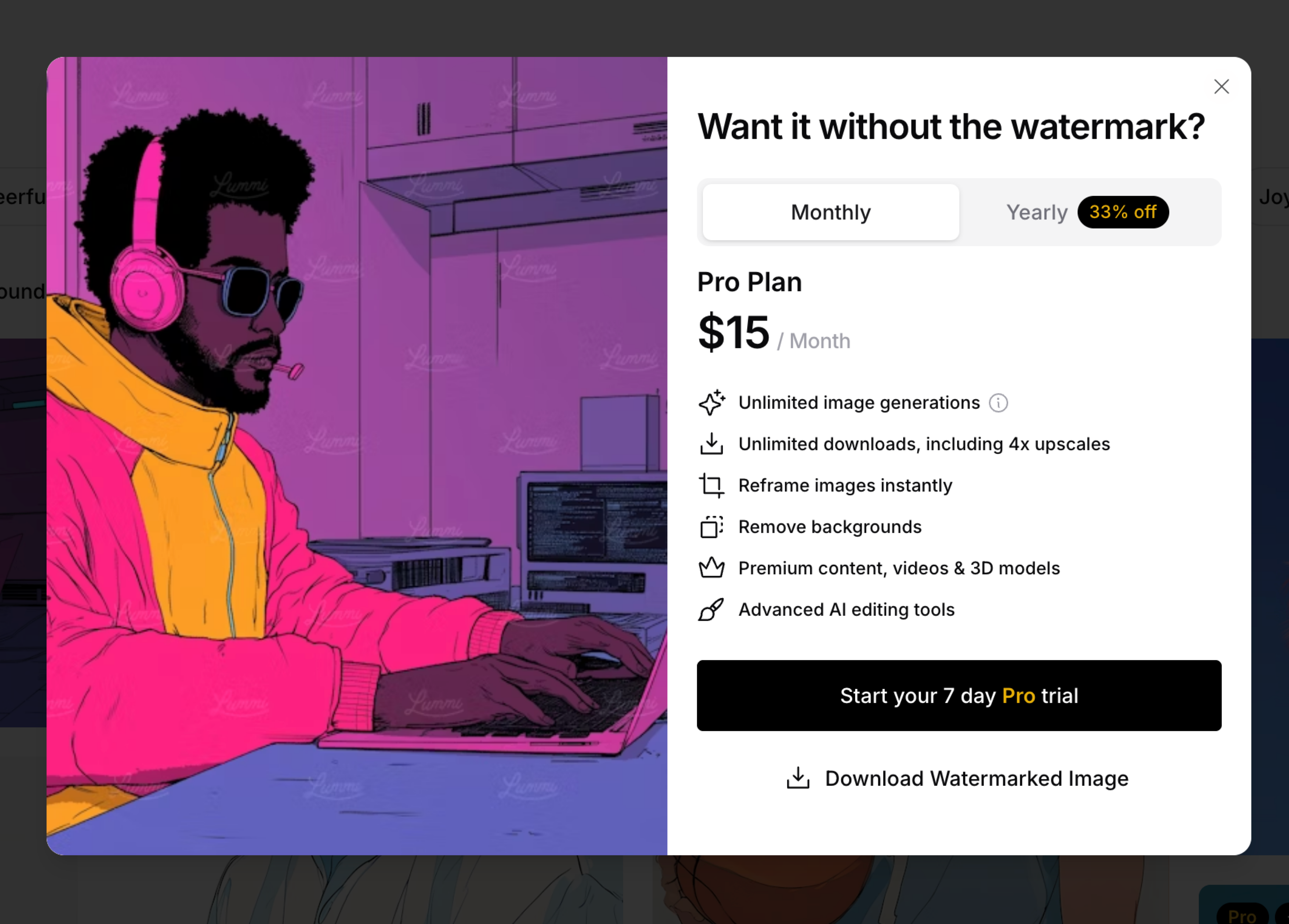
We’re introducing a 7-day free trial so you can explore Lummi Pro with no restrictions. That means faster generations, unlimited downloads, and full access to advanced tools like Reframe, Retouch, and Upscale. A credit card is required to start the trial, but you can cancel anytime before it ends.
Start free trialNo more pausing between prompts. You can now queue multiple generations in a row, so your creative flow stays uninterrupted.
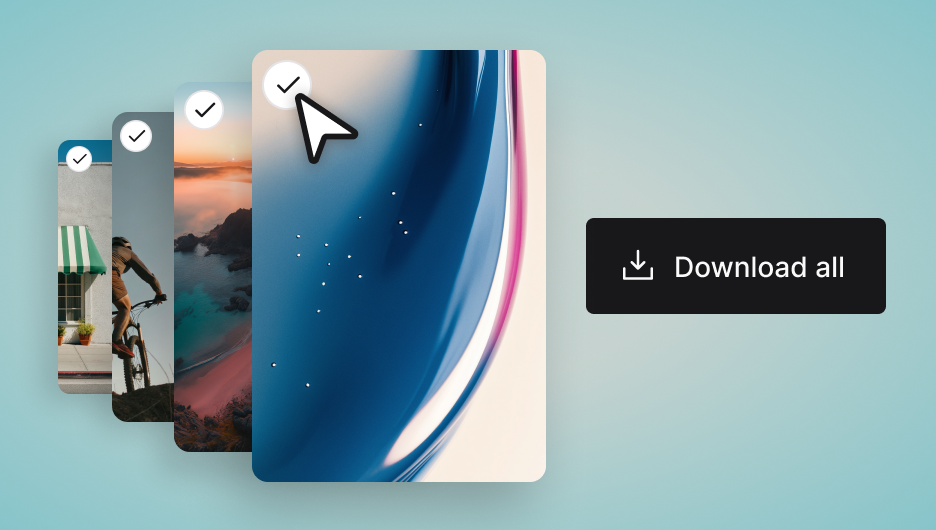
You can now bulk download images straight from the grid. If you're a Pro user, just select your favorites and get them all at once.
Try now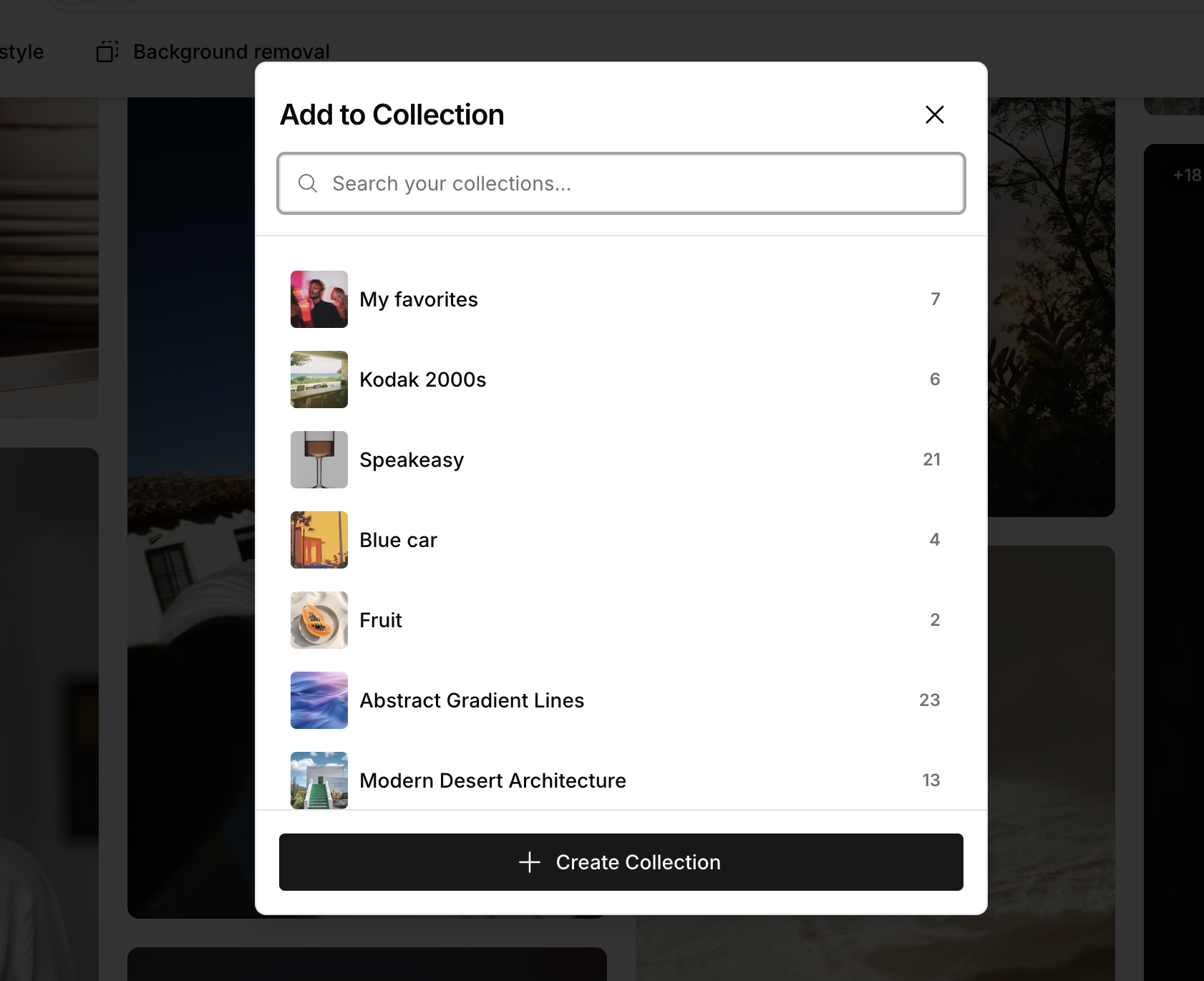
Have a lot of collections? Now you can search by name when adding images, so you’re not stuck scrolling through every set you’ve made.
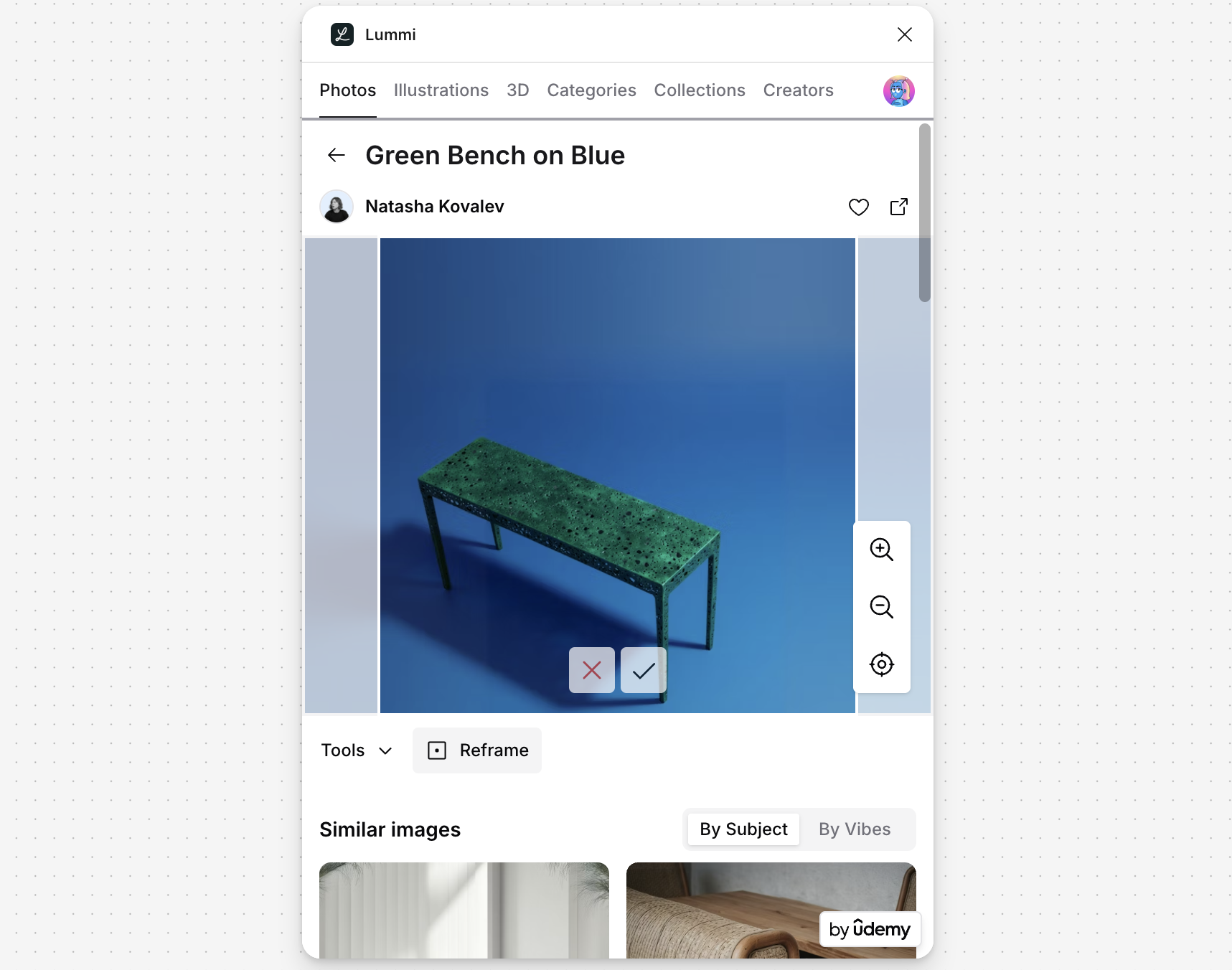
The new Reframe is now live in our Figma and Webflow plugins. Just like on web, you can now reposition, zoom, and resize images with full control.
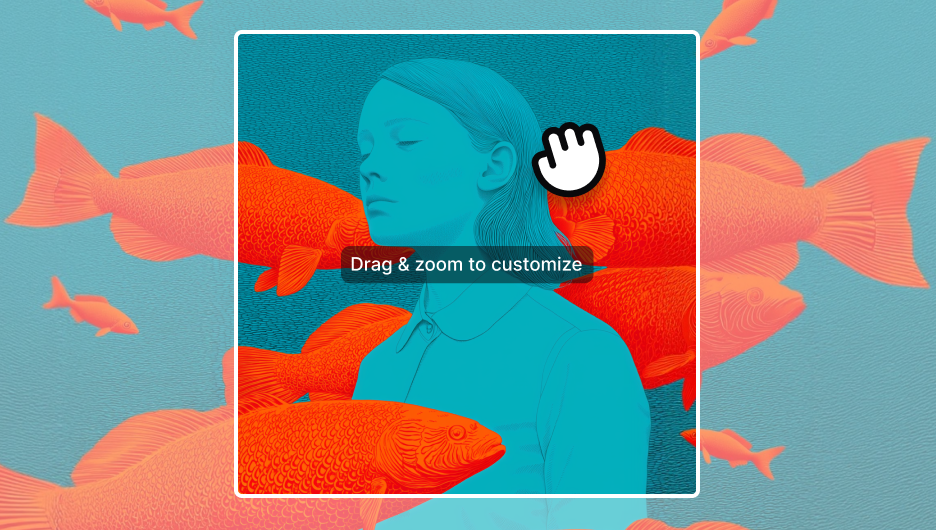
Now you can move any image’s focal point wherever you need. Plus, you can zoom in on details or out for the full scene, giving you total control over every Reframe.
Try it nowWe’ve switched back to Topaz AI for image upscaling. You’ll get cleaner, sharper results, especially on stylized and 3D images. Downloads are now in PNG for better quality. Try it on any Large, XL, or Ultra image.
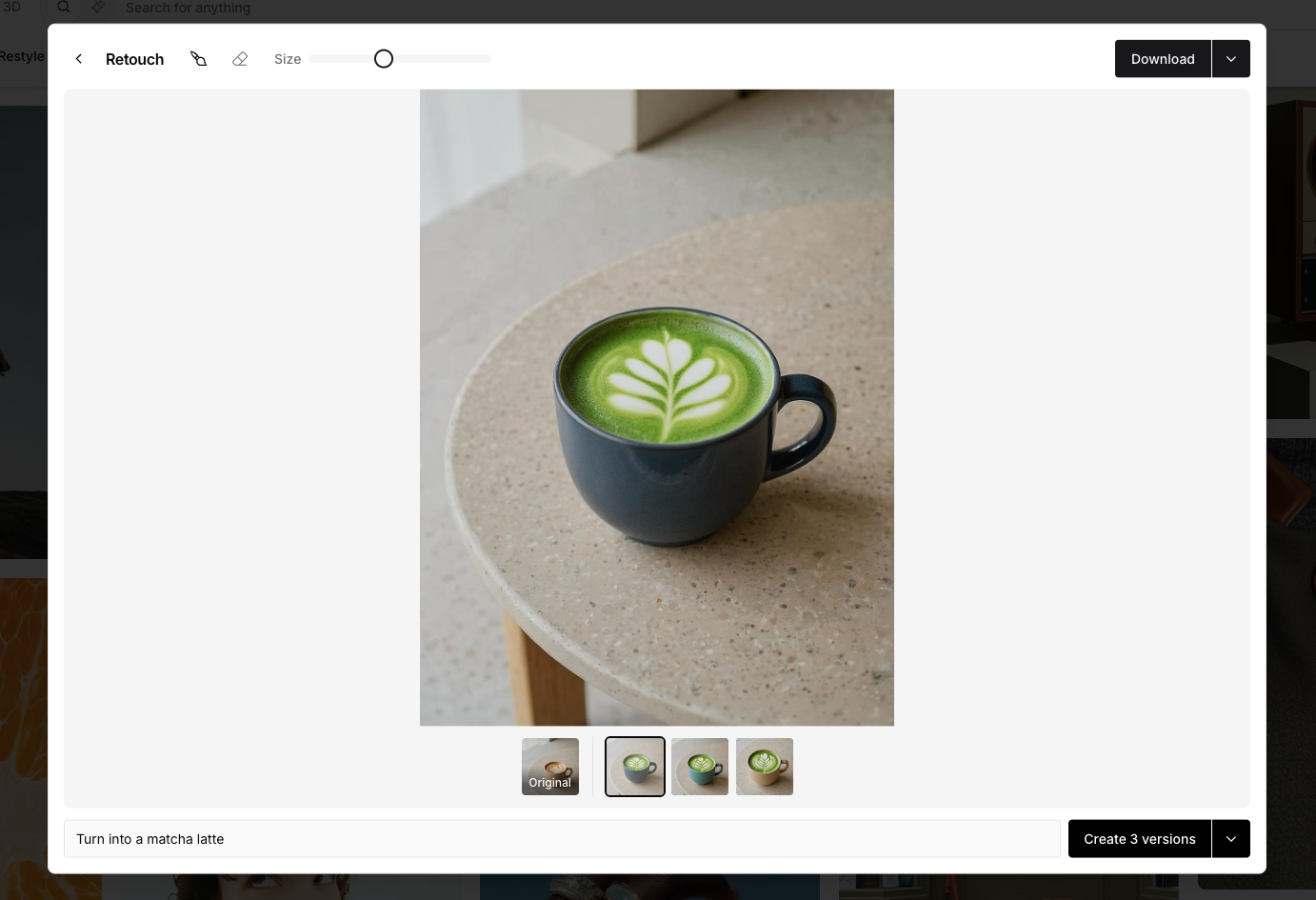
Retouch now uses our new Flux Kontext model, so you don’t need to brush over areas for it to work. Just type your prompt and hit Retouch and see the image transform automatically. You can still use the brush if you want more control—especially when isolating an object or refining the result.
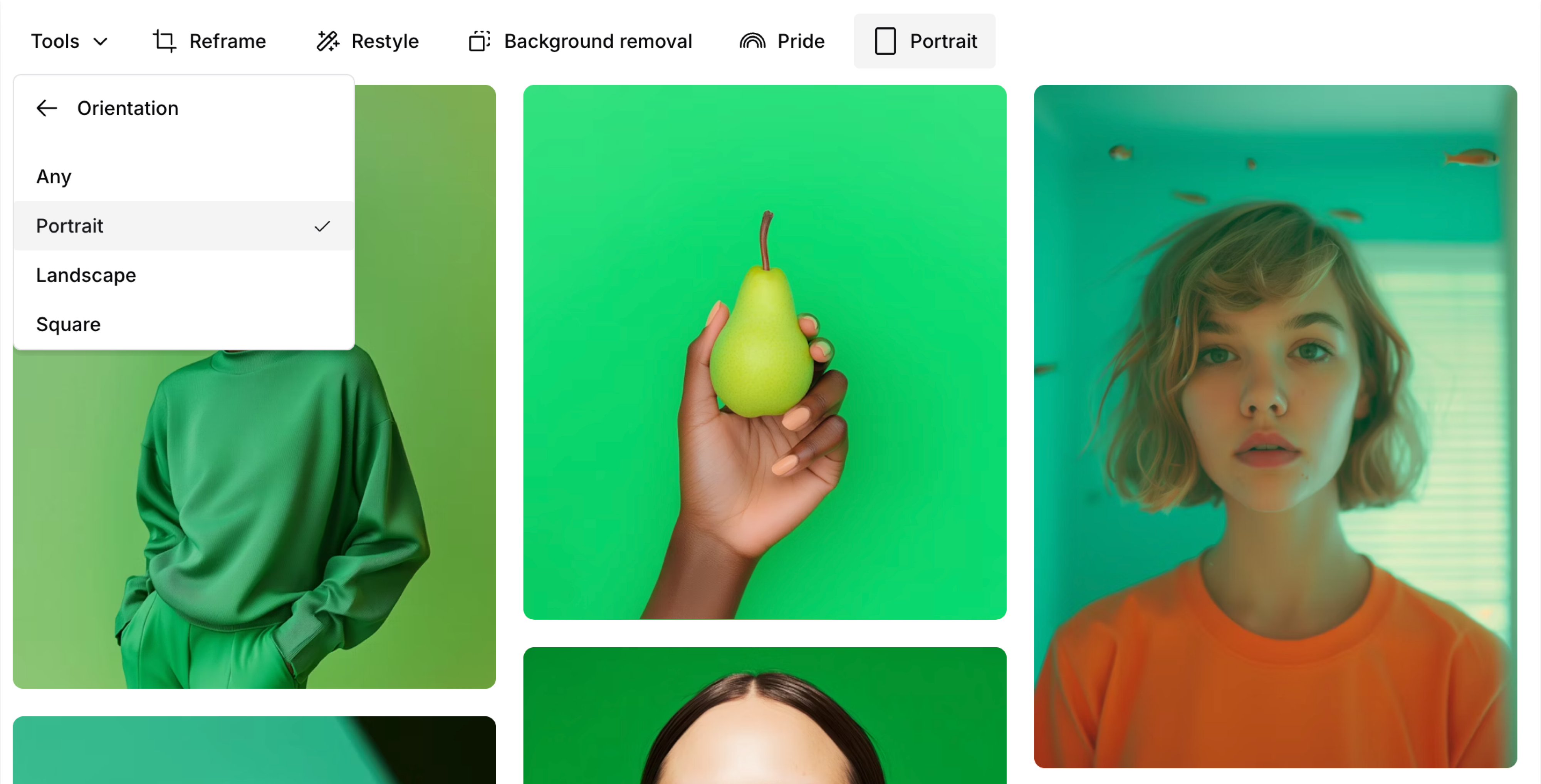
You can now filter images by square, vertical, or horizontal shape. It’s a quick way to narrow your search based on layout, especially if you’re creating for social or mobile.
Take a look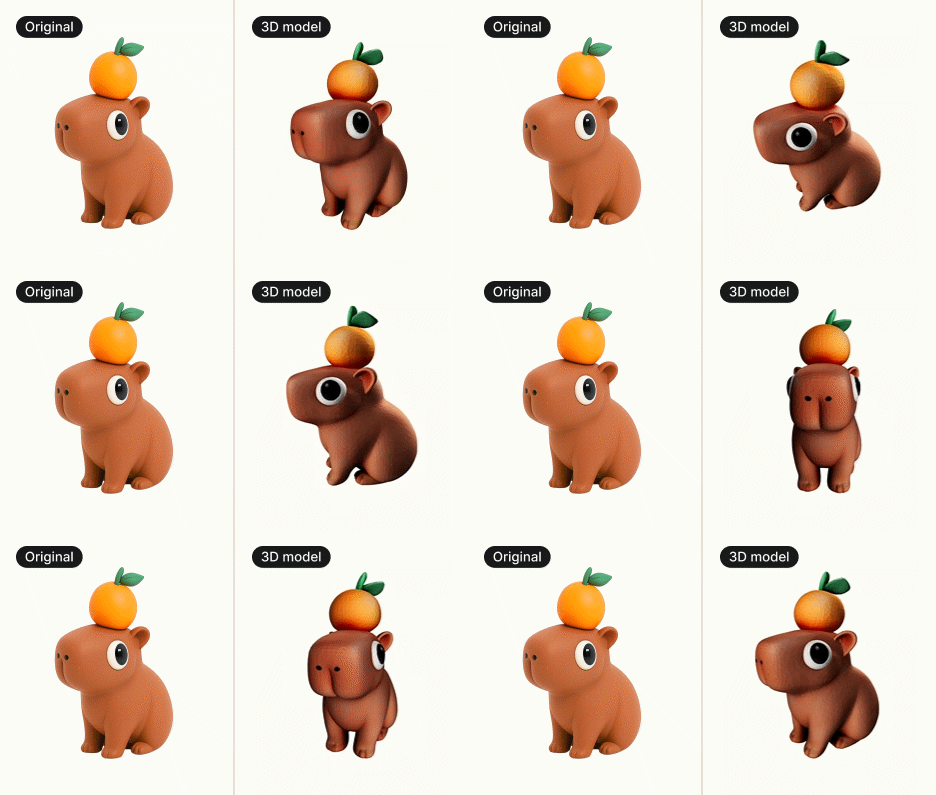
What used to be static 3D illustrations are now full 3D models. Rotate them, pick your angle, change the background color, and grab the shot you need. Or download them as .gltf for design projects, games, and interactive experiences.
Try it now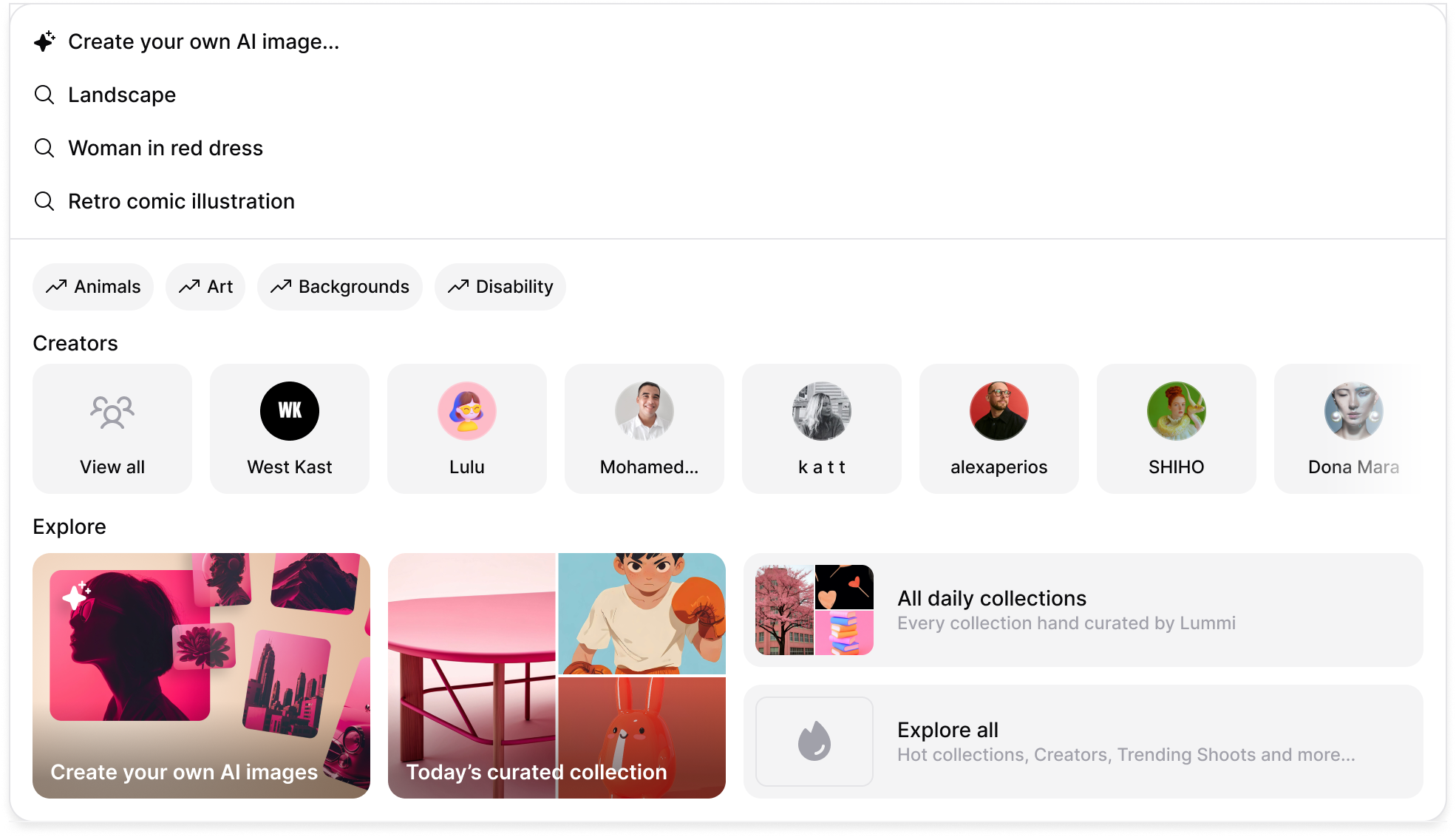
We updated the search bar to make it easier to start creating from scratch. You’ll now see “Create your own image” right at the top of the suggestions, followed by your recent searches.
We fixed an issue where plugin users couldn’t use coupon codes at checkout. The link now shows the correct price and works as expected.
Upgrade to Pro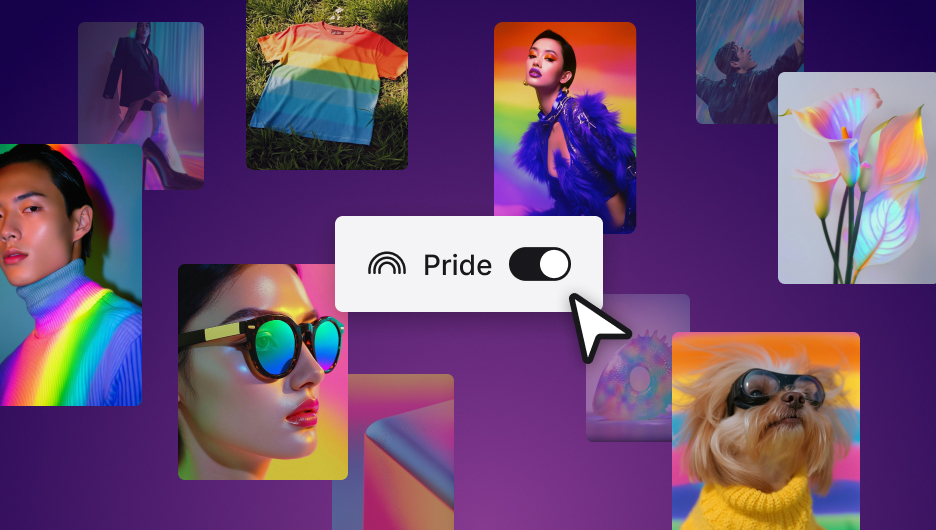
Try Pride, a new style that adds a soft rainbow glow to every image on the homepage. Just in time to celebrate love, identity, and creative freedom!
Try now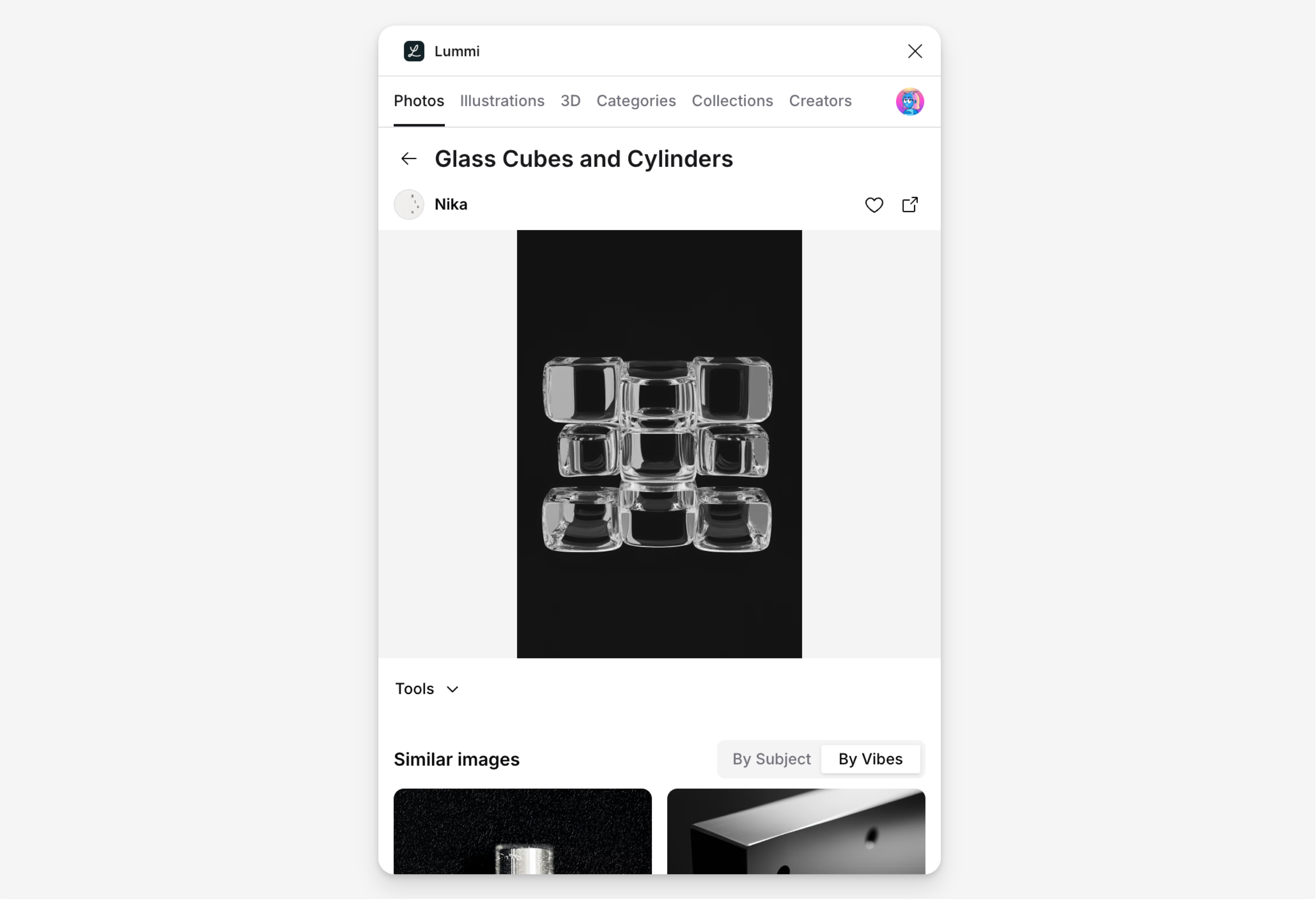
You can now view similar images by vibe inside the Figma and Webflow plugins. It works just like the web: click into any image and scroll through visuals with a similar aesthetic.
Try it in FigmaThere was a bug where retouched images wouldn't download correctly. Downloads should now match the version you see on screen.
We’ve fixed an issue where reframed images wouldn’t download at Large or higher resolutions.
Try Reframe again