The 7 best AI headshot generators for professional profiles in 2026

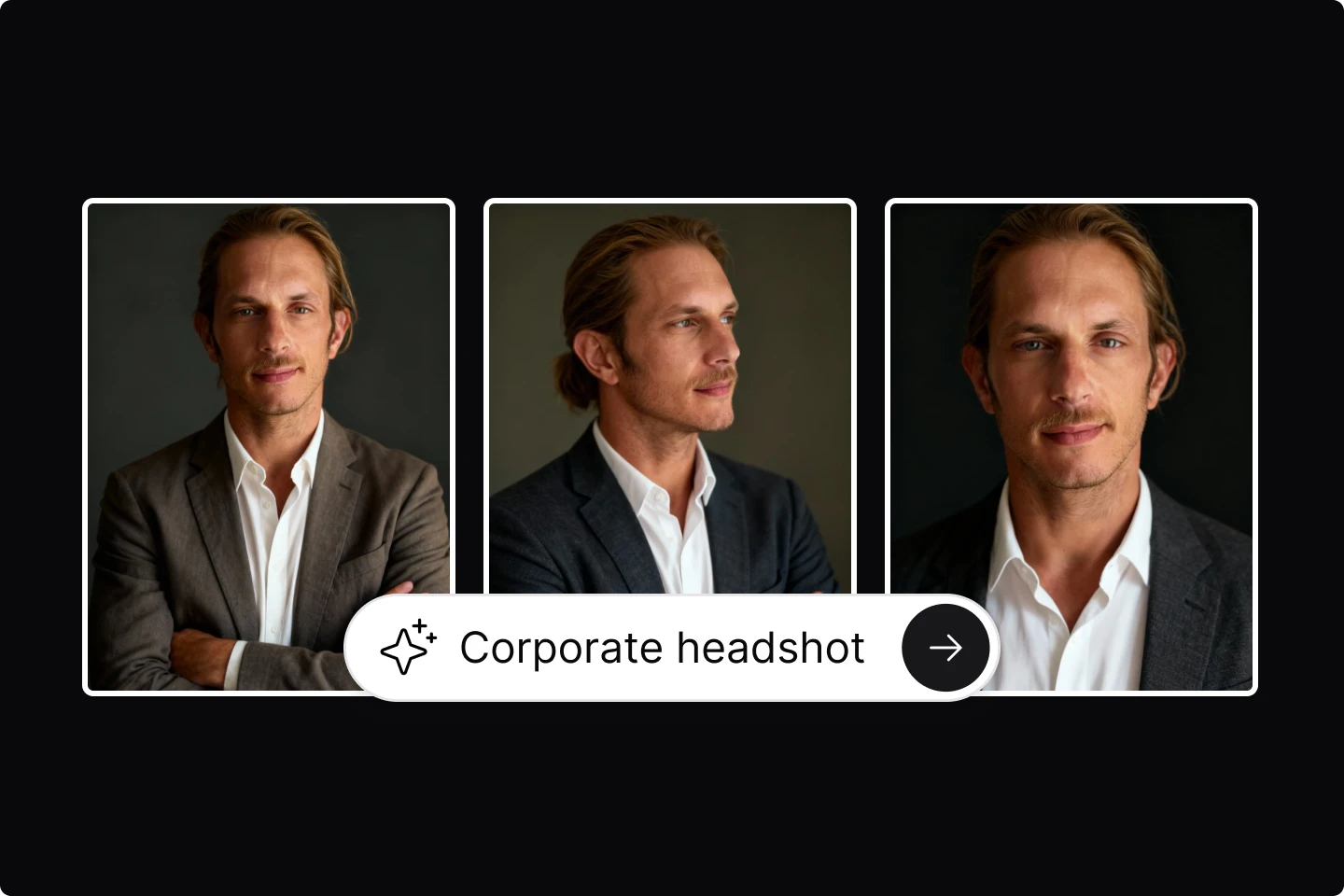
This guide gives you practical advice for choosing an AI headshot generator for 2026. You learn how each tool works, what results to expect, and which options fit your goals. The list covers accuracy, speed, styling control, and ease of use so you update your professional photo with confidence.
Professional headshots shape first impressions on LinkedIn, resumes, portfolios, and every other place you show your work.
But many people and professionals know that traditional studio sessions take money and scheduling effort, so many people skip updates for years.
An AI headshot generator gives you a faster way to refresh your photo with clean lighting and consistent styling. You upload a few reference images, choose the look you want, then receive a full set of polished options that you can feel proud to display on your Slack profile.
This helps you show up with confidence. You stay in control of your visual presence, and you avoid the long process of booking a photographer.
TLDR
• Lummi: best for fast, accurate AI headshot results with strong identity retention
• HeadshotPro: best for teams and people who want consistent professional batches
• Portrait Pal: best for a simple workflow and clean, reliable outputs
• Pixelpose: best for detailed style control and customization
• AI SuitUp: best for formal outfits and polished business looks
• Instaheadshots: best for quick turnaround and multiple pose variations
• HeadshotKiwi: best for natural looking headshots with subtle styling
Why you'll want an AI headshot generator in 2026
It’s not a secret that online profiles keep growing in importance. Independent contractors rely on strong visuals on platforms like Upwork and Fiverr. Students prepare professional materials long before graduation.
You gain value from an AI headshot generator because results are consistent and fast. Most AI-powered design tools produce full sets in less than an hour and output quality continues to improve because new training methods support better facial accuracy and more stable styling.
You receive photos with reliable lighting, clean backgrounds, and sharper facial features.
This also saves you from travel time, studio fees, wardrobe planning, and retouching. You update your photo whenever you need to without coordinating schedules.
Choosing the best AI headshot generators
You have many options, so focus on reliability, accuracy, and control. Look for tools with strong identity retention because this influences how well the results match your real face. Review clothing options, background presets, and different lighting conditions.
Checking generation limits and pricing is a smart move as well because some tools charge per batch while others use subscription models.
Additionally, you should pay attention to privacy and data handling because the best platforms clearly outline how your photos are stored and deleted. Strong privacy policies protect your content and reduce stress during upload.
Below are standout options for different goals. Each one supports polished AI headshot results without studio work.
1. Lummi
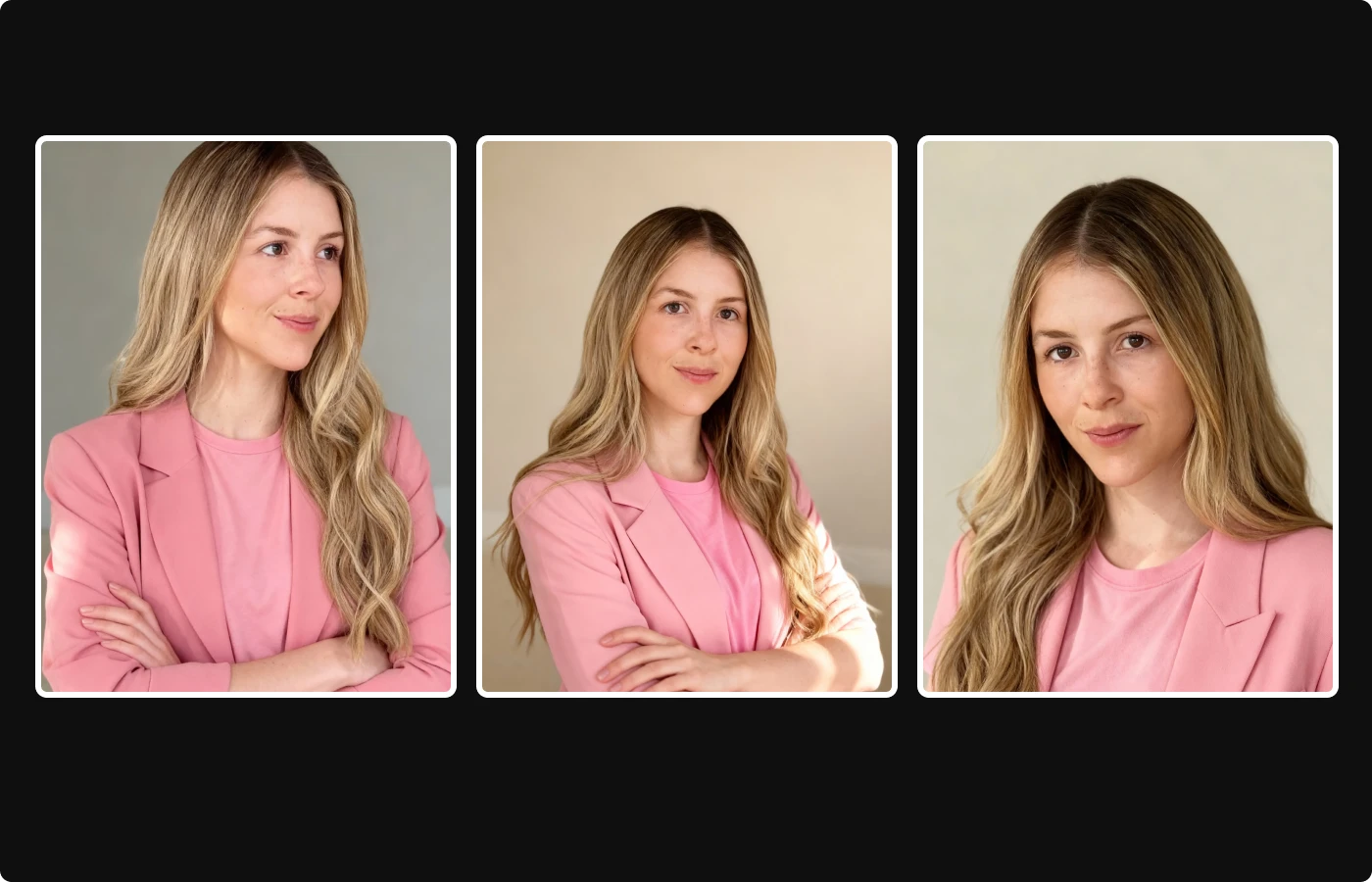
Lummi produces professional headshots without requiring any photography session. You upload reference photos like a selfie or a clean picture of yourself, select outfits and backgrounds, then generate multiple versions.
What makes Lummi so powerful is that it focuses on identity accuracy, so your facial features stay true across every output. This helps you produce realistic results for LinkedIn or corporate materials.
When crafting your prompt for your headshot, you can choose from office settings, solid color backdrops, or neutral outdoor options. This gives you full control over the tone of your profile.
If you want consistent quality, personalization options, and quick turnaround, Lummi supports those priorities.
How to create an AI headshot with Lummi
You set up a Lummi AI headshot in a short workflow that takes only a few steps.
- Go to Lummi.ai
- Click the Create icon in the search bar
- Click the camera icon
- Upload your source photo you plan to turn into a headshot
- Add your prompt
- Change the size to portrait 3:4
- Generate
This gives you a clean, consistent AI headshot ready for LinkedIn or any professional profile.
2. HeadshotPro
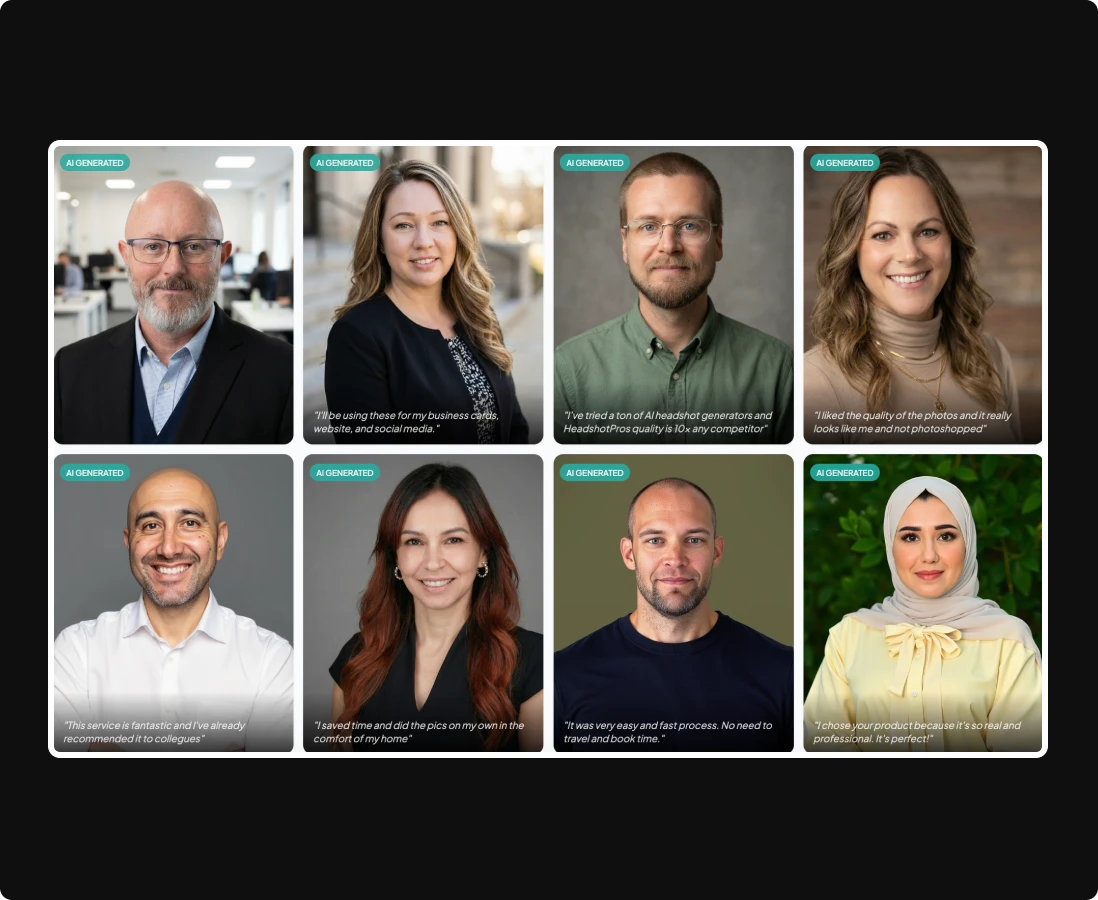
HeadshotPro produces large batches of professional headshots for individuals and teams. You upload several selfies, choose your preferred style, then select backgrounds and clothing combinations.
The platform runs everything through a structured workflow designed for accuracy and uniformity.
Many businesses use HeadshotPro for team directories because they receive matching lighting, consistent framing, and cohesive styling across dozens of employees.
If you work in a remote-first company, this tool helps you maintain unified branding without coordinating in-person shoots.
HeadshotPro also offers multiple retouching levels. You decide how polished the final photos look, and this helps you fit industry expectations for your field.
3. Portrait Pal
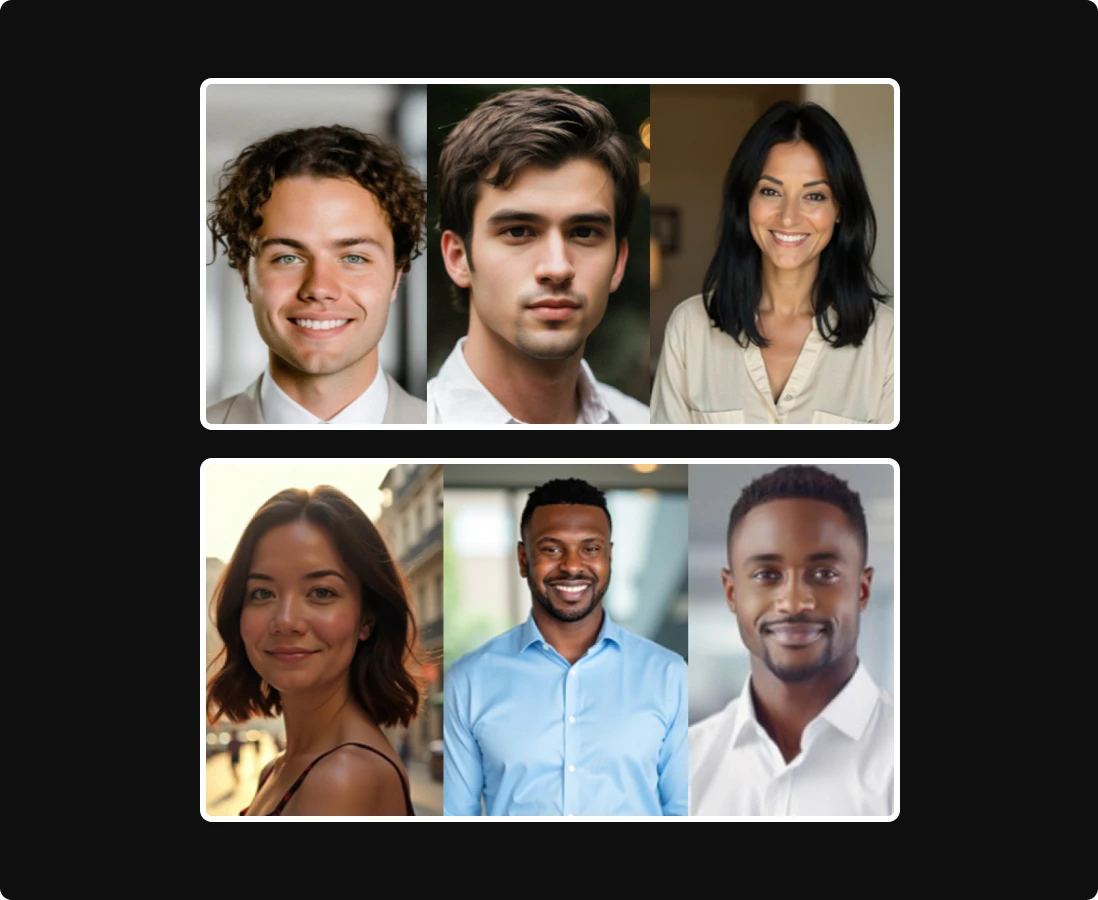
Portrait Pal focuses on straightforward generation without a complicated setup. You upload your images, choose your preferred setting, then receive clean and realistic photos.
This makes Portrait Pal helpful for people updating a resume or building a personal site.
The platform offers controlled lighting presets. You pick bright, soft, or neutral lighting depending on your preference.
You also receive several background variations so you do not need extra editing.
Portrait Pal supports reliable face retention for multiple skin tones and hair textures, which improves accuracy when producing diverse visual results.
4. Pixelpose

Pixelpose gives you detailed style control. You adjust background tone, framing distance, expression, and clothing style.
This flexibility supports creative professionals, freelancers, and people who want more than a standard corporate look.
The tool also offers headshot templates for modern tech roles, creative industries, and academic settings. Each template manages lighting and color balance for clarity across platforms.
Pixelpose includes a quality filter before delivering results.
This reduces distorted outputs and helps you receive a cleaner final set without sorting through unusable photos.
5. AI SuitUp
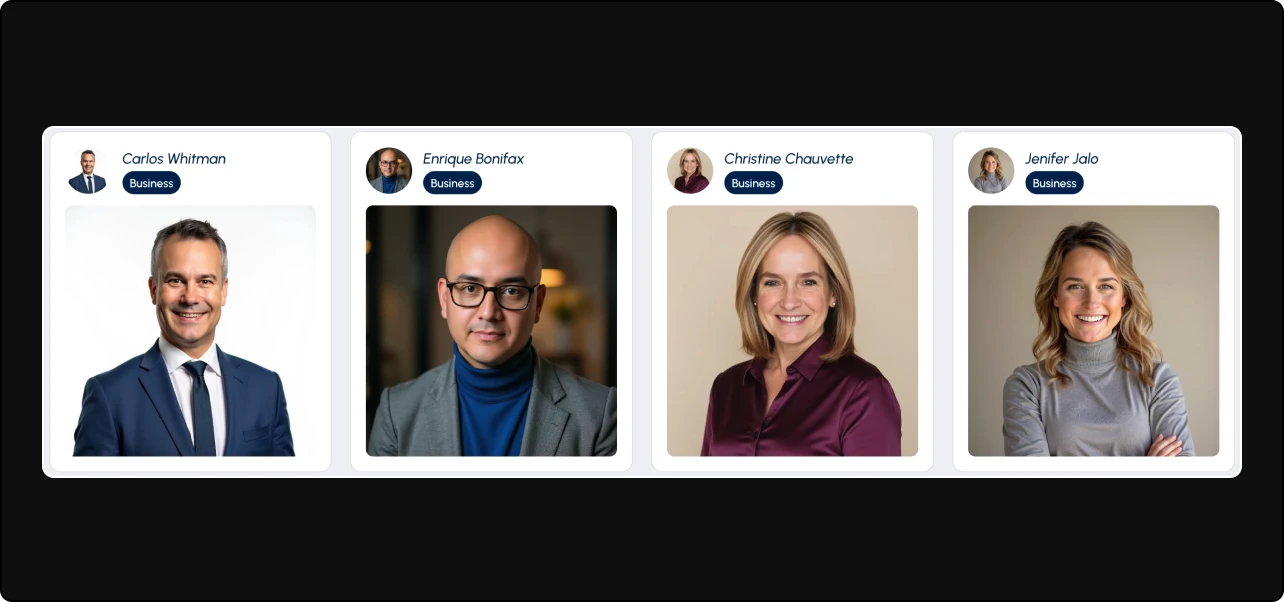
AI SuitUp focuses on business attire. You upload selfies and receive professional headshots featuring suits, blazers, or formal outfits without needing a physical wardrobe.
This appeals to people preparing for interviews or updating career materials.
Most users appreciate the outfit choices. You change colors, fabrics, background styles, and lighting conditions to match the tone you prefer. AI SuitUp also offers a helpful preview panel so you confirm your look before generating a full batch.
For people who need formal presentation with minimal effort, AI SuitUp provides reliable results.
6. Instaheadshots
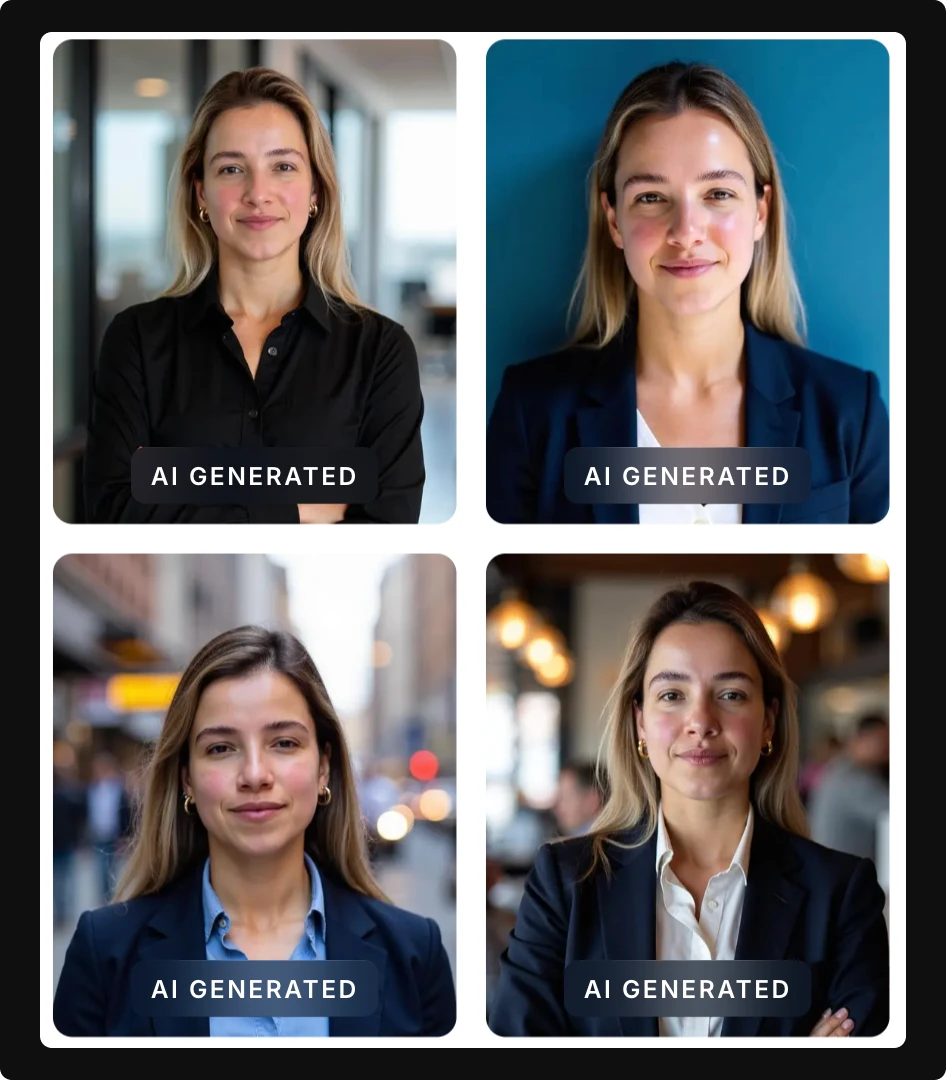
Instaheadshots provides fast turnaround for people who want a quick profile refresh. Many users receive results within thirty minutes. You receive several poses, backgrounds, and clothing variations.
The platform handles identity retention well, especially when you upload clear reference photos from different angles. This helps generate stable facial features and consistent eye alignment.
Instaheadshots also offers simple editing tools after generation. You adjust brightness, contrast, and slight facial refinements before exporting.
7. HeadshotKiwi

HeadshotKiwi focuses on natural-looking professional headshots. The platform aims for subtle styling rather than heavy post-processing. This appeals to people who prefer a clean, realistic presentation.
You receive backgrounds that look similar to modern studio sets. These include muted tones, soft gradients, and minimal office scenes. The generator also provides optional wardrobe upgrades so you choose more polished outfits without additional fees.
HeadshotKiwi maintains clear instructions for photo uploads. Following those steps reduces output defects and strengthens identity accuracy.
Put your best face forward with an AI headshot
Your online presence influences many opportunities. When you choose an AI headshot generator, you save time, reduce expenses, and produce consistent professional headshots whenever you need them.
As we head into 2026, with the world changing quickly and jobs shifting, having a solid first impression matters. So, get ahead of that first impression, save some bucks by skipping the studio, and start the new year off with the right headshot.
Want to stay ahead of the creative curve? These are the most important design skills you'll need in 2026.
What's hot right now in 2025